
Useful Programs
- FiJi, an imageJ package
- Blender, an animation package
- Encoding video for Blog: Handbrake
- FlowJo, Flow Cytometry Analysis Software
FiJI Macros
-
Current Version
- WEKA Pore Processor V10 and Classifiers
- Requires FiJi, and Weka Segmentation plugin (part of FiJi)
- Known Bugs
- Errors out if there are less than 2 pores to be counted
- Plot profile is hard-coded to display only between 0-150 nm
- Example Dataset – 1298 NPN 100nm
- Installation and Use
- Download Weka Pore Processor and unzip folder
- Open FiJi
- Drag WEKA Pore Processing Macro (.ijm) onto FiJi window
- Click Run on Macro window
- Select a folder that contains your images, then select the folder where the macro and classifiers are contained.
- The macro is designed to work with 2048×2048 .tif files, labeled with different magnifications (8900x, 13500x, etc)
- Select circularity/sizes of pores that you want counted
- Results will be output into a new folder where the images are contained.
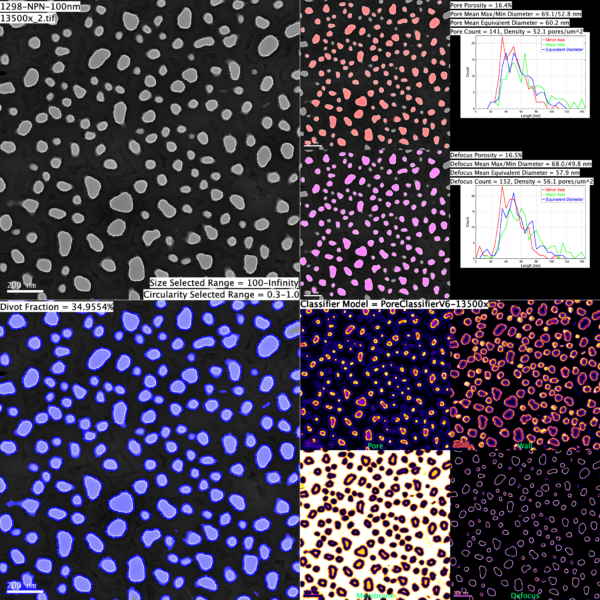
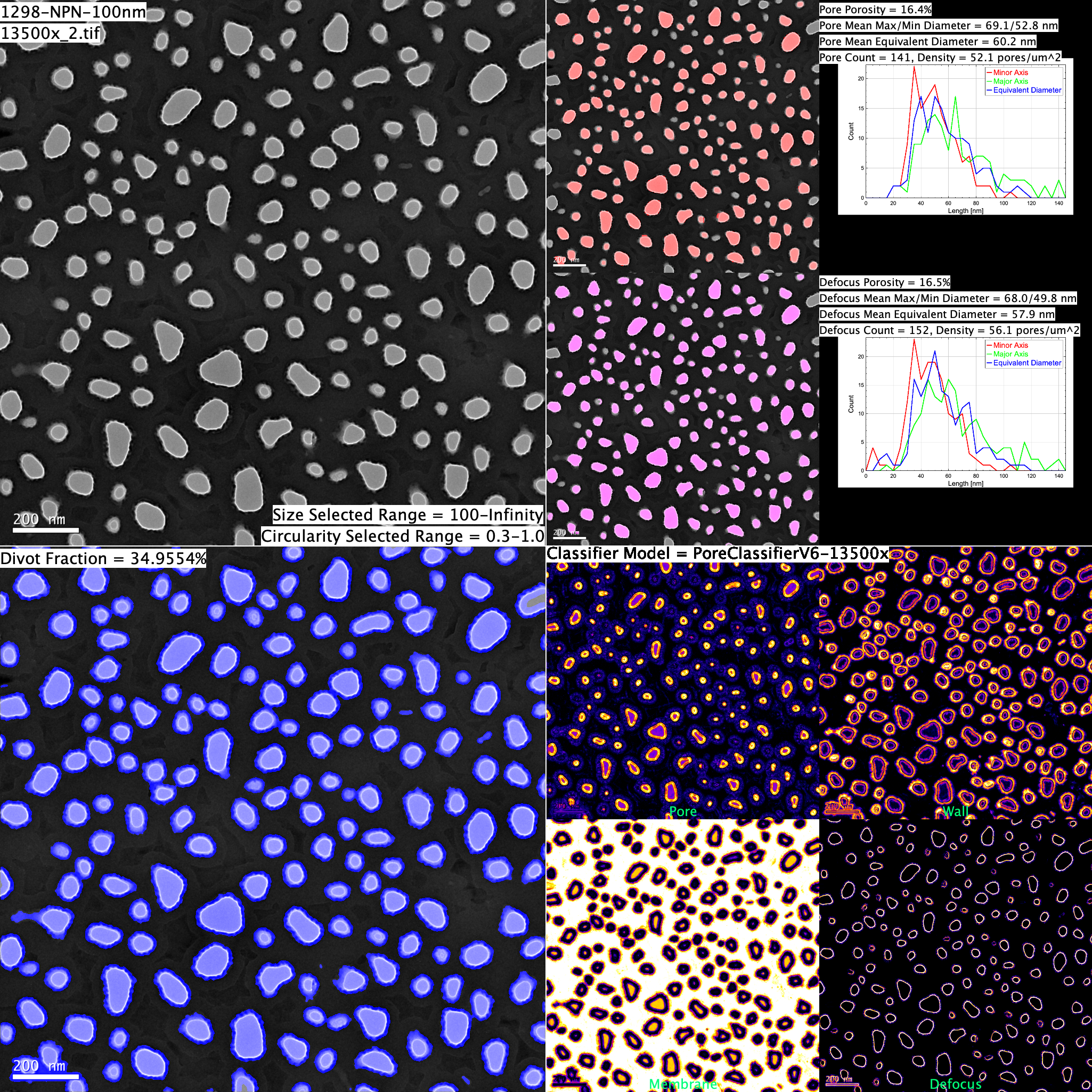
-
Old Versions
- WEKA Pore Processor V7 and Classifiers
- Requires FiJi, and Weka Segmentation plugin (part of FiJi)
- Known Bugs
- Errors out if there are less than 2 pores to be counted
- Displays pixel values on plot, not nm as indicated
- Plot profile is hard-coded to display only between 0-100 nm
-
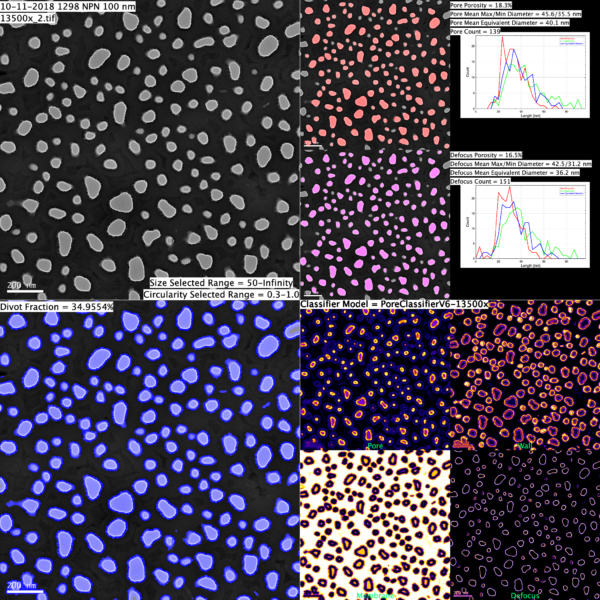
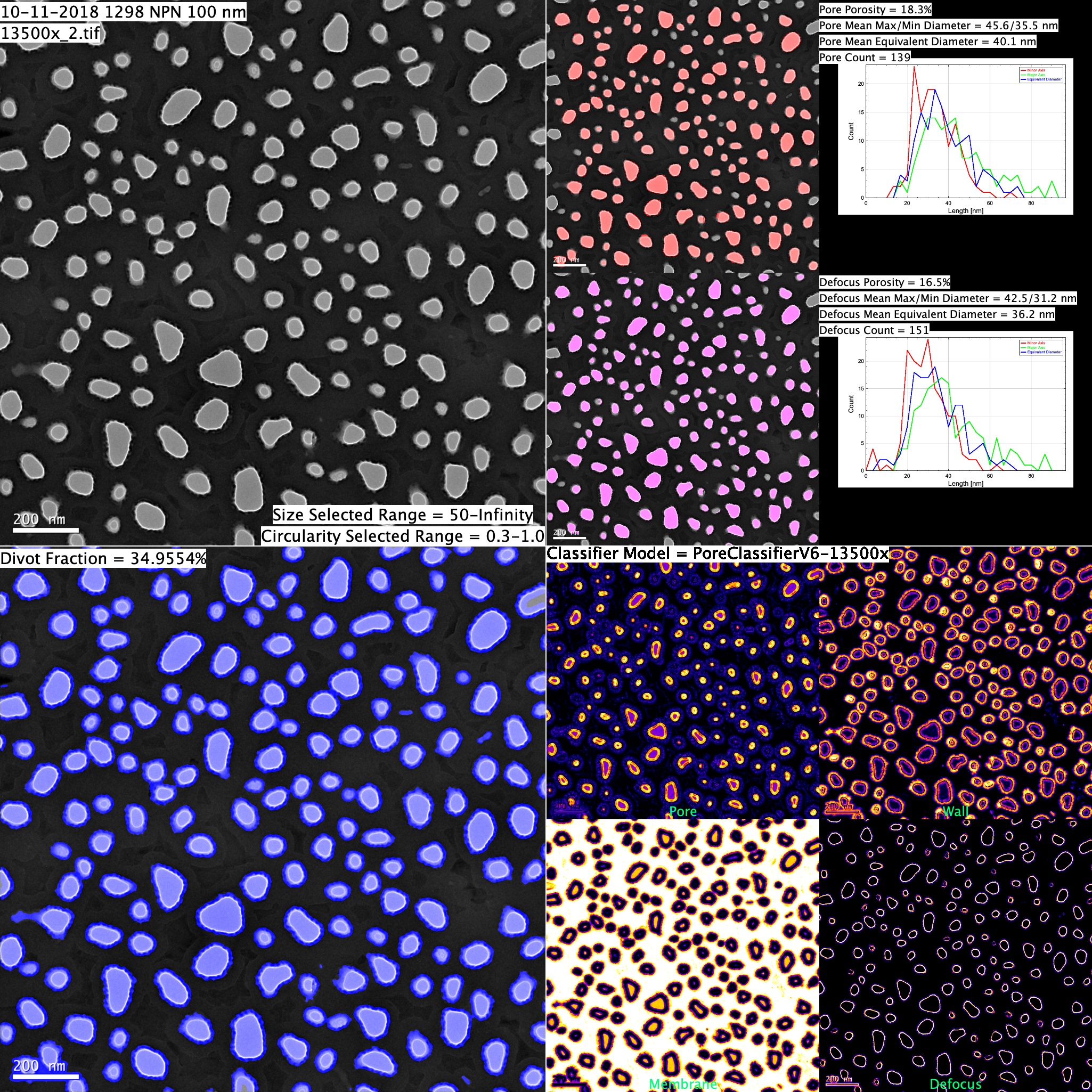
Example Summary
Matlab Code
- Pore-Image Processor (Post 2016)
- Latest version of PoreImageProcessor (9/2016) tabs-poreimageprocessorgui_export
- TABS-PoreImageProcessorGUI_Export Zip File contains manual and MATLAB scripts
- Pore Image Processor Manual only
- Tong Equation – MATLAB code that calculates membrane flow as predicted by the ‘Tong’ Equation
- Permeability Calculator – MATLAB code that reads the output of the Pore Image Processor and calculates the predicted hydraulic permeability of an image
- PoreImageProcessorGUI (pre 2016 ver)_ Zip File contains manual and MATLAB scripts.
- NOTE: This older version of Pore Image Processor will not work for 2015 or newer version of MATLAB
